> For the complete documentation index, see [llms.txt](https://tractus.gitbook.io/tractus-tools-for-ndi/llms.txt). Markdown versions of documentation pages are available by appending `.md` to page URLs; this page is available as [Markdown](https://tractus.gitbook.io/tractus-tools-for-ndi/using-multiview-for-ndi/output-multiview-to-ndi-to-a-web-browser-using-central-control-connect.md).
# Output Multiview to NDI to a Web Browser using Central Control Connect
Using Central Control, you can output any NDI source to a web browser, including Multiview for NDI outputs, using WebRTC.
{% hint style="info" %}
These instructions are provided for convenience. You will need a license for Central Control Studio MAX or Neo, available at .
{% endhint %}
### Creating the NDI WebRTC Web Page
First, launch Central Control Studio. Click on the **Add Device** button.
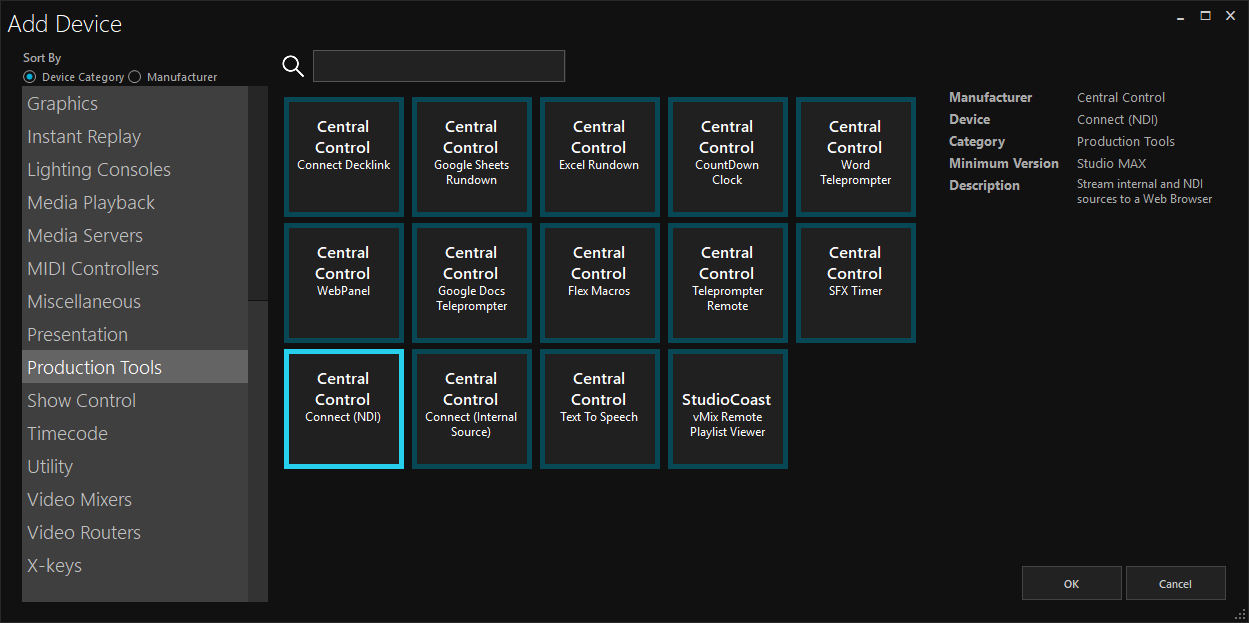
On the add device page, search for **Central Control - Connect (NDI)** in the **Production Tools** category.
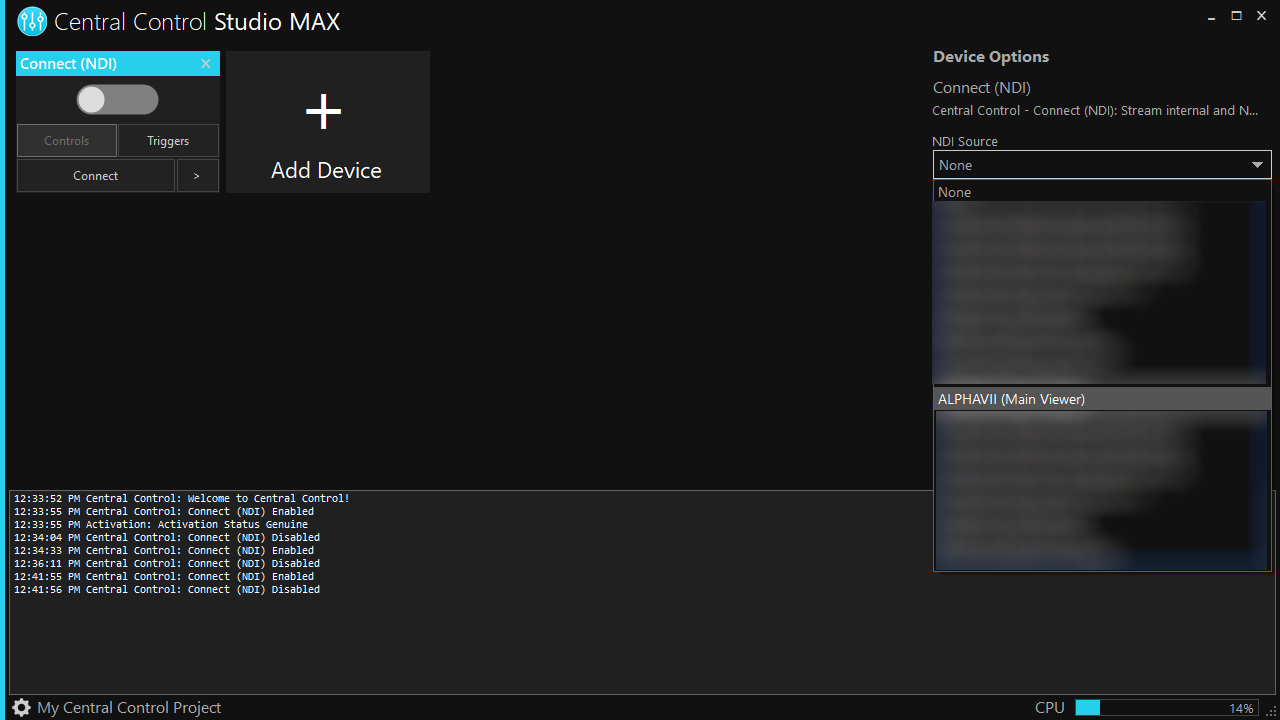
Click on the **Connect (NDI)** module added to your Central Control. Choose your Multiview for NDI output to assign to this page.
Next, enable the Connect (NDI) module by toggling it on.
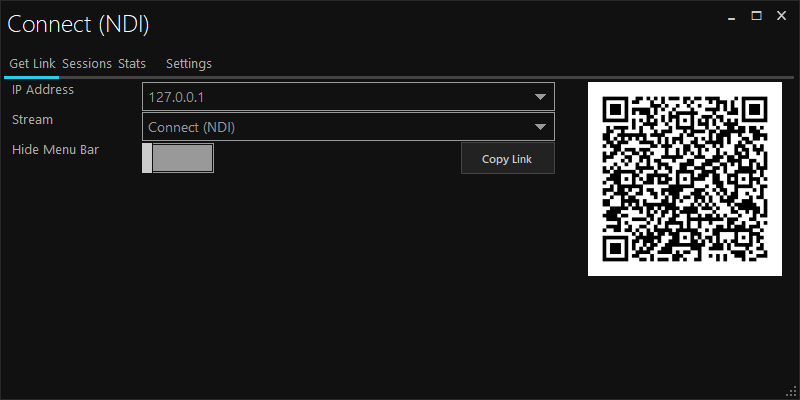
To view your Multiview output in a web browser, click the **Connect** button on the **Connect (NDI)** module.
Select your IP address and the stream to view (Connect (NDI)). Click **Copy Link**.
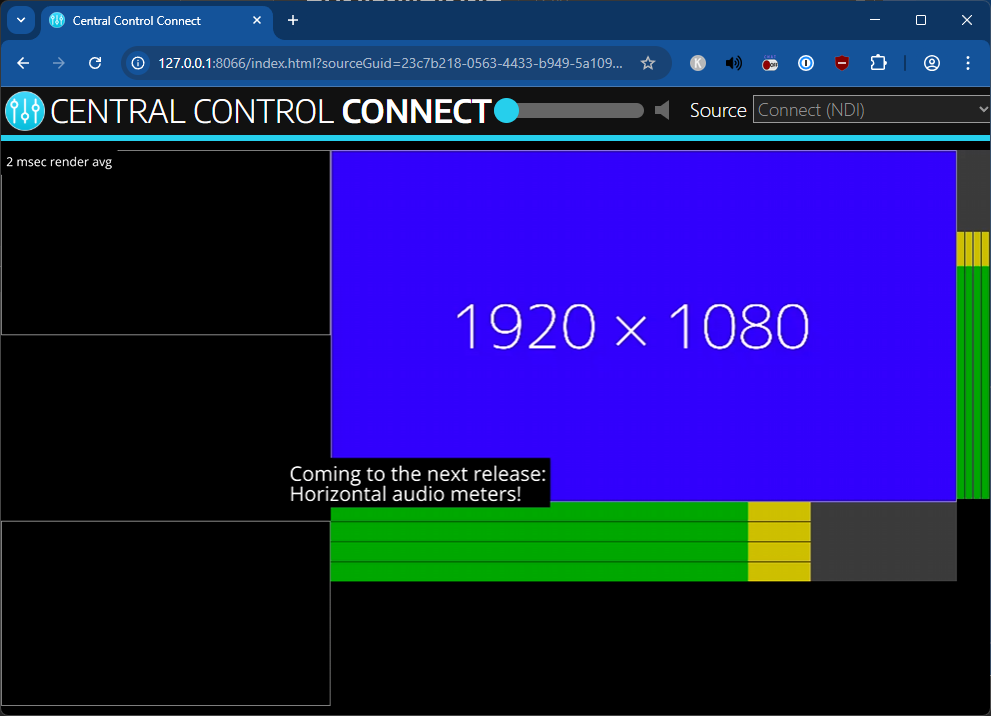
Paste this link into a web browser, and you should see your Multiview for NDI instance output to your web browser.
{% hint style="warning" %}
127.0.0.1/localhost cannot be used to view the web page from other machines. You will need to use a network address or hostname (e.g. 192.168.250.5 / mypc1) to view from other machines.
{% endhint %}
{% hint style="info" %}
For more info about Web Controllers and Central Control Connect, please see .
{% endhint %}